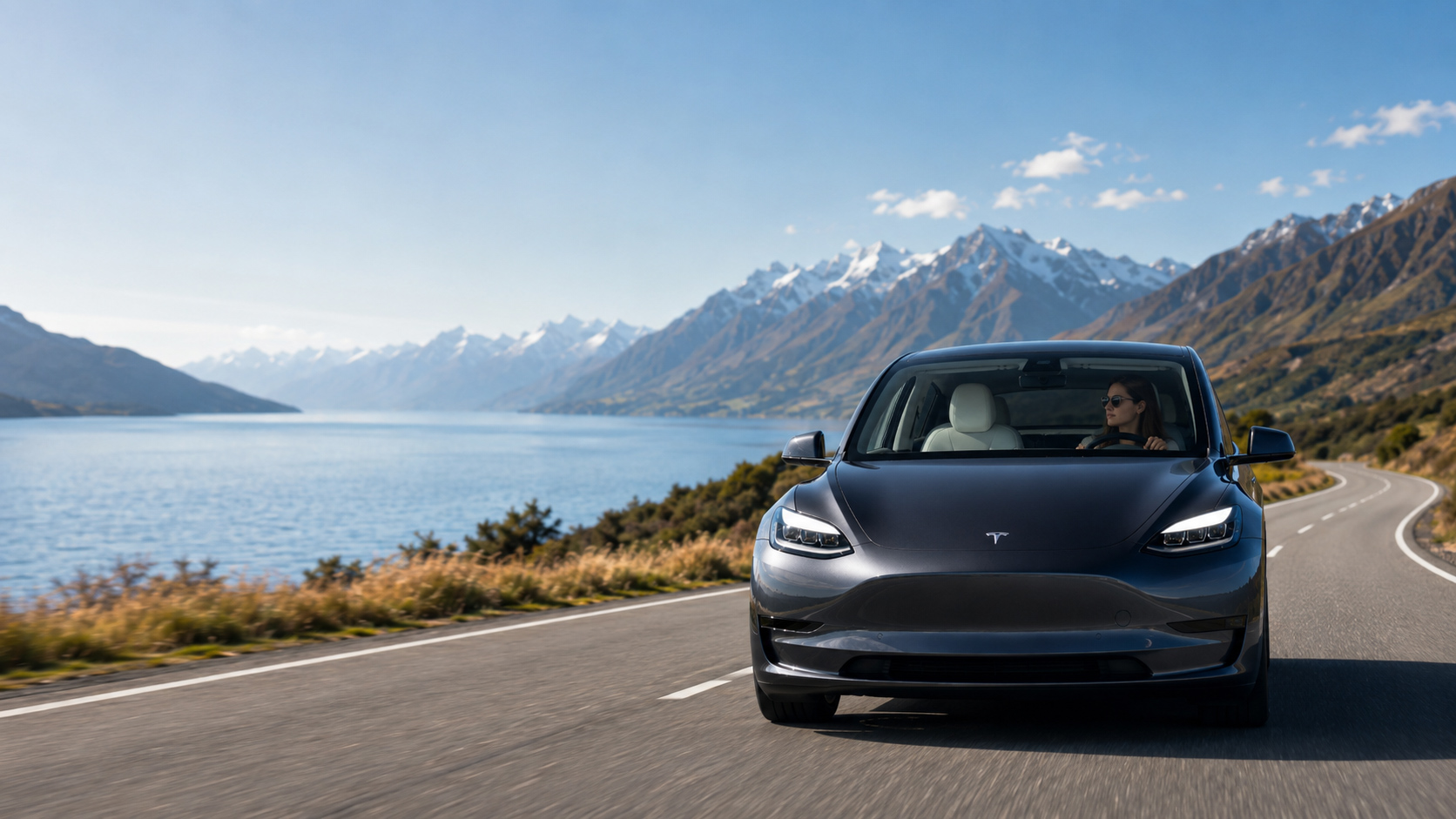
Road User Charges explained: a practical guide for New Zealand vehicle owners

Road User Charges, usually shortened to RUC, help fund the upkeep of New Zealand roads. If you drive a diesel, electric, plug-in hybrid, or another RUC-liable vehicle, understanding the basics makes compliance much easier.

Who needs to pay RUC?

RUC generally applies to vehicles that do not contribute road tax through petrol excise duty. That includes most diesel vehicles and, under current rules, electric and plug-in hybrid vehicles. Heavy vehicles may also have licences linked to vehicle type and weight.

The registered person is responsible for ensuring the vehicle has a current distance licence. Drivers should also be able to confirm that the vehicle is covered before beginning a journey.

  • Check whether your vehicle is RUC liable.
  • Record the current odometer or approved distance reading.
  • Purchase enough distance before the existing licence expires.
  • Keep the licence information available and accurate.

How distance licences work

A RUC licence covers a set distance. As the vehicle travels, the remaining kilometres reduce. A new licence needs to be purchased before the vehicle moves beyond the distance already covered.

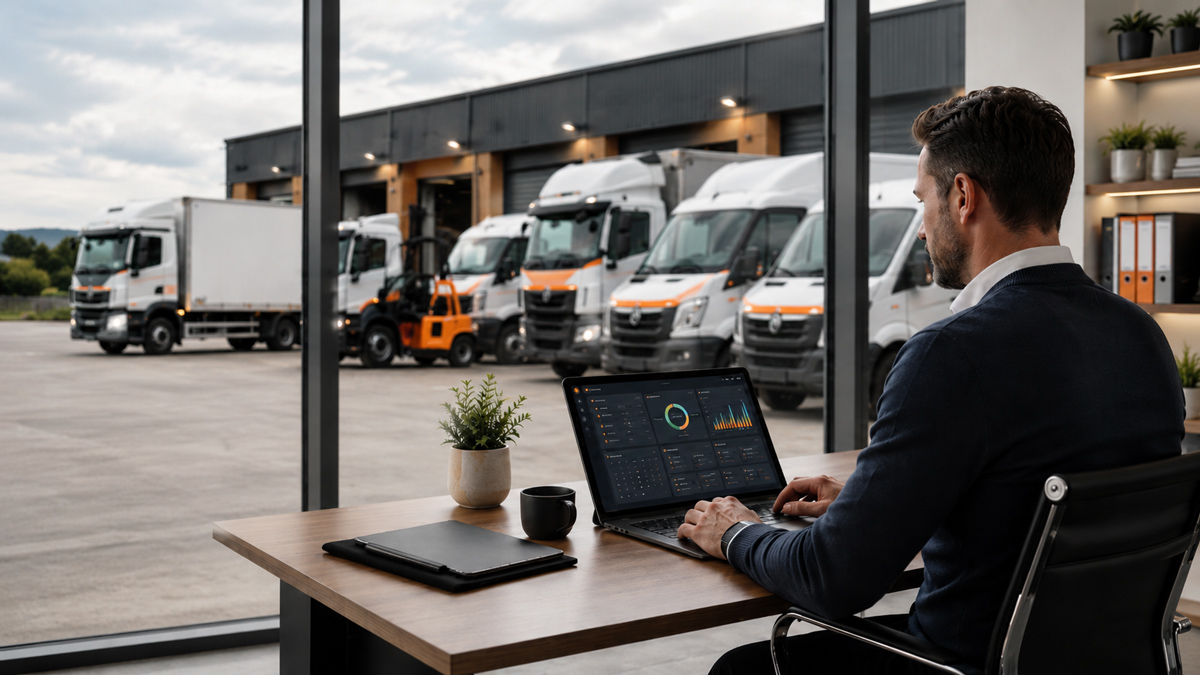
For a single vehicle this can be a simple check. For a fleet, different routes, drivers, and utilisation levels make manual monitoring much harder. A connected system gives operators one place to see what is due and act before a vehicle runs short.

A simpler way to stay compliant

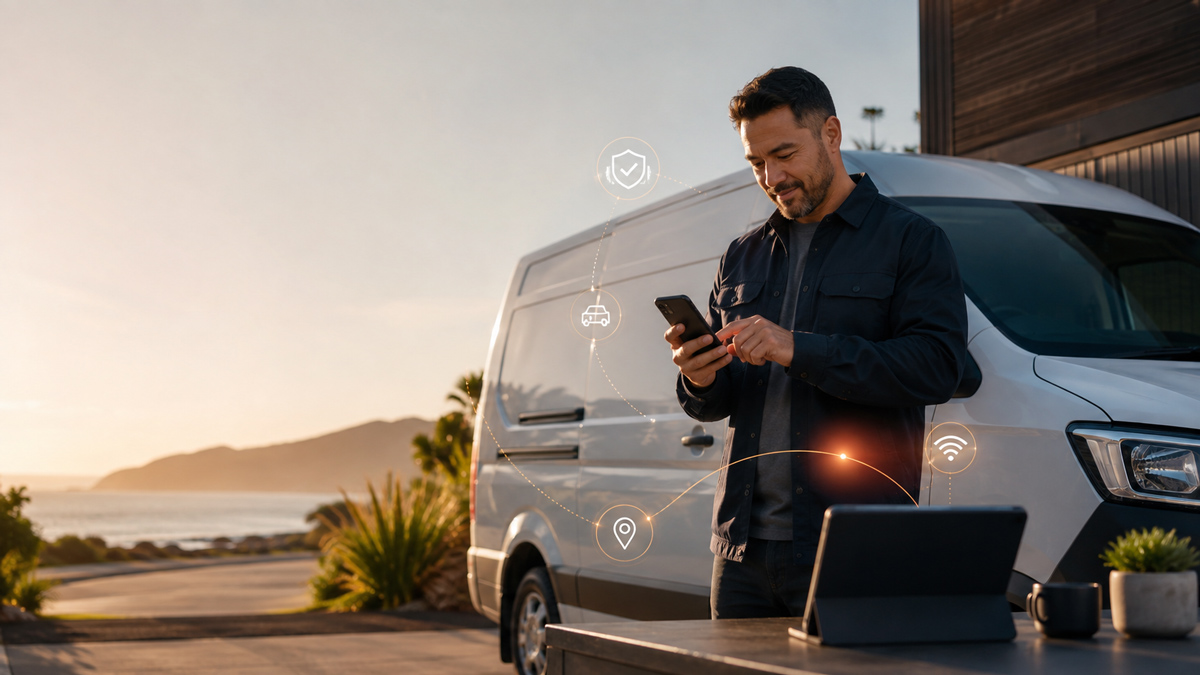
myRUC brings RUC information, purchasing, and records into a digital workflow. Depending on your setup, distance information can be entered through the app or supplied by connected vehicle technology.

The goal is straightforward: give drivers and administrators clearer information, reduce paper handling, and make renewals part of normal vehicle management rather than a last-minute task.
Posted in RUC

How to buy and renew RUC online with myRUC

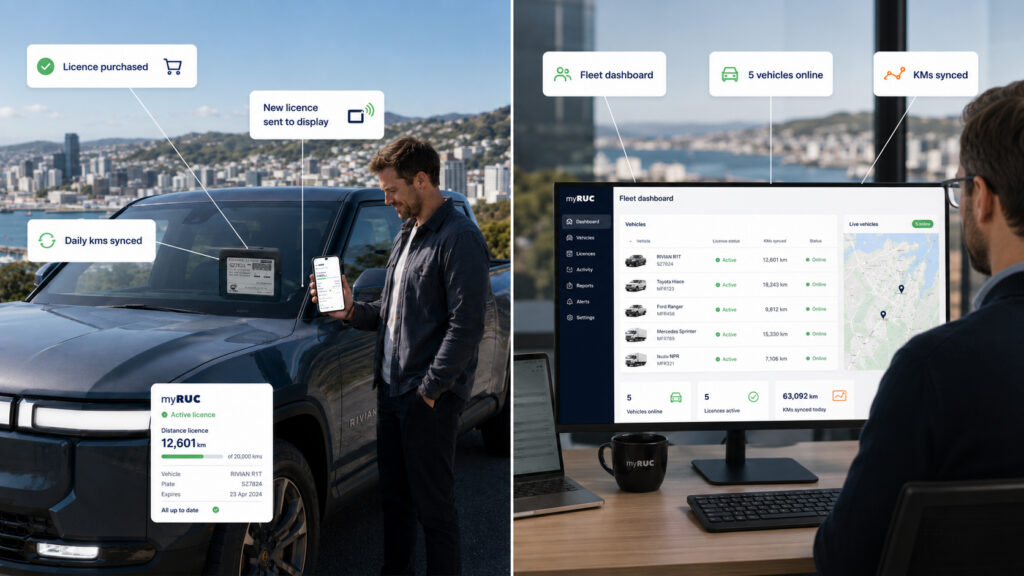
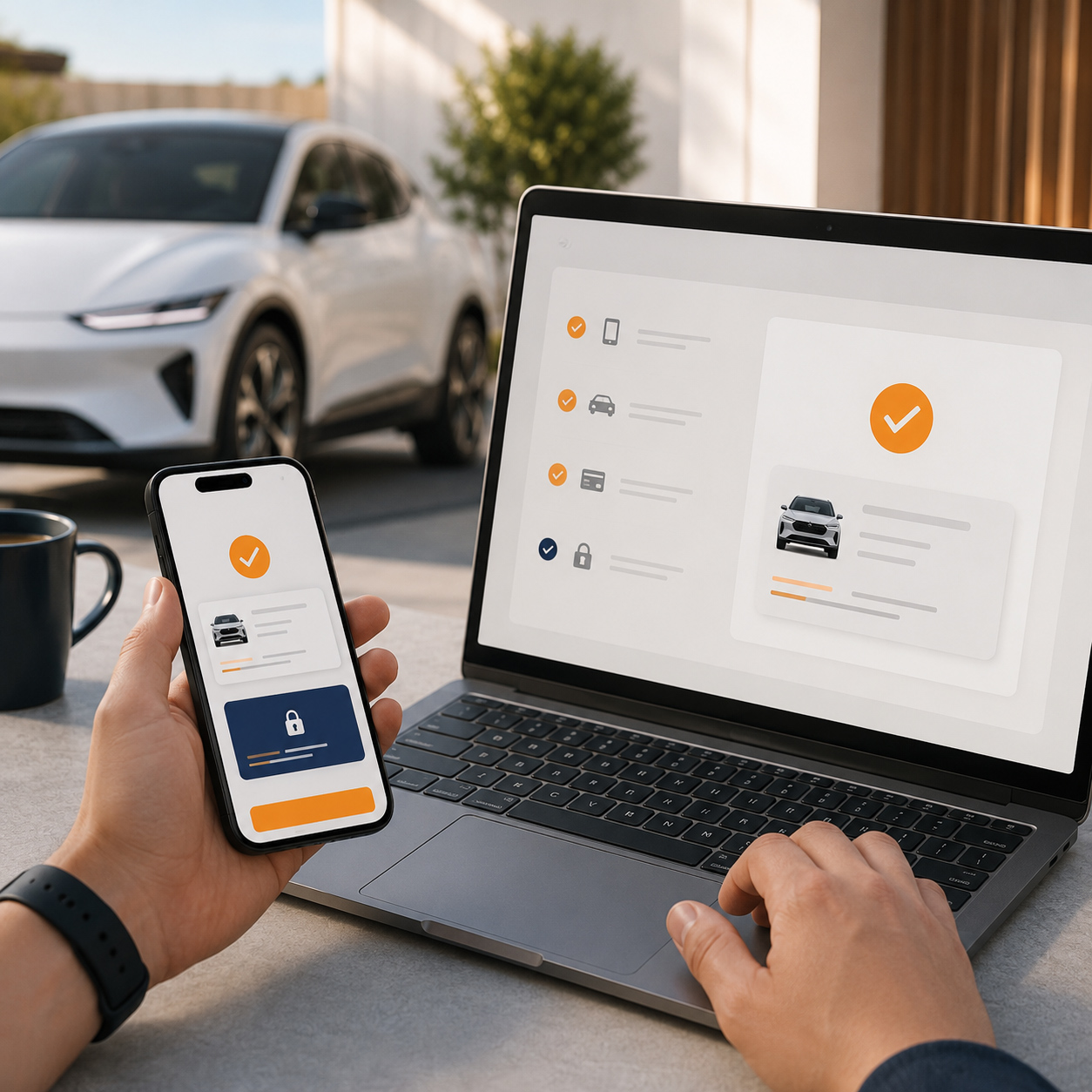
Buying RUC online should feel like a routine vehicle task. With myRUC, the main steps can be completed through a connected app workflow, with the new licence information sent to the vehicle display.

Before you begin

Make sure your vehicle has been added to your myRUC account and that its details match the registration information. You will also need an accurate current distance reading and a valid payment method.

  • Confirm the registration and vehicle details.
  • Check the current odometer or approved distance source.
  • Review the remaining licensed distance.
  • Choose the distance you want to purchase.

Purchase the new licence

Open the vehicle in myRUC, review the licence information, and follow the purchase steps. Check the distance and licence details carefully before confirming payment.

Once the transaction is complete, the licence is recorded against the vehicle. The connected workflow reduces the need to handle a printed paper label and gives you a clearer digital record of the purchase.

Transfer the licence to the display

Follow the in-app prompt to transfer the updated licence information to the in-vehicle display. Keep the phone and display within range while the update completes, then confirm that the correct licence is visible.

If you manage multiple vehicles, use the dashboard to check that each transaction has reached the intended vehicle. This final confirmation is a small step that helps prevent avoidable compliance issues.

Five signs fleet RUC administration is costing you too much time

A manual RUC process can appear manageable when a fleet is small. As vehicles, drivers, and routes increase, the same process often becomes a hidden source of administration and compliance risk.

The warning signs

If several of the following problems sound familiar, it may be time to review how your team monitors distance and renews licences.

  • Drivers regularly message the office with odometer photos.
  • Licence renewals depend on one person checking spreadsheets.
  • Vehicles are close to running out of licensed distance before anyone notices.
  • Purchase records are spread across emails, files, and paper folders.
  • Administrators spend time matching transactions back to individual vehicles.

What a connected process changes

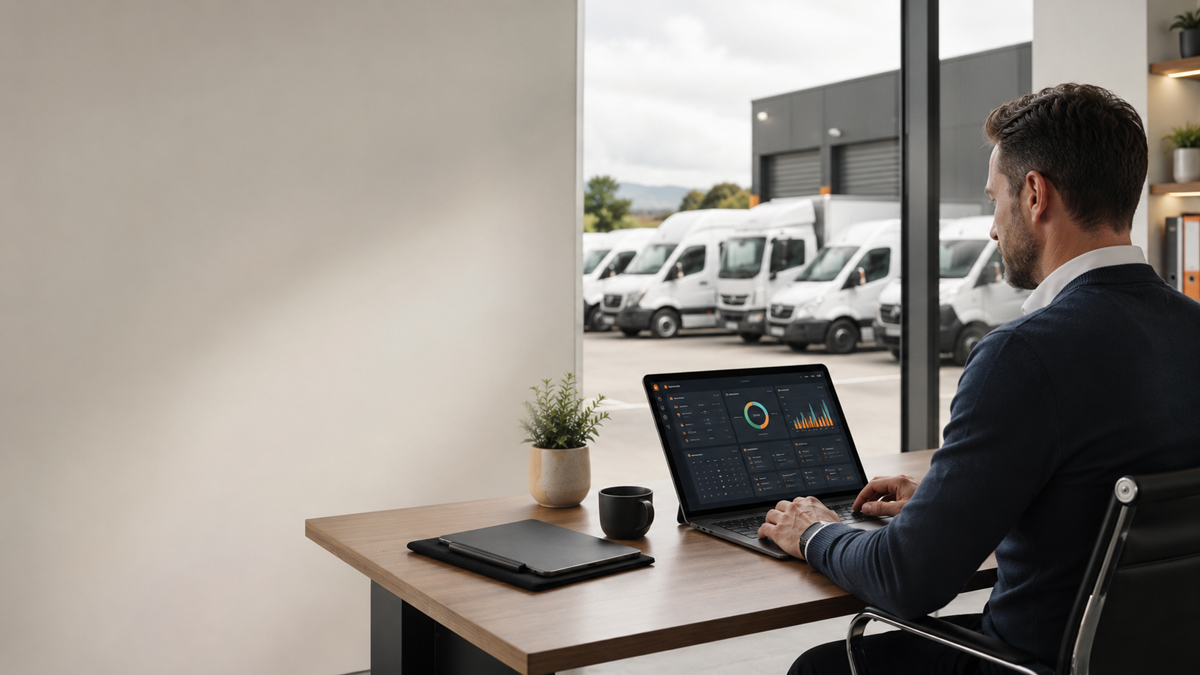
A connected RUC workflow brings vehicle status and licence information into one operational view. Teams can identify what needs attention without contacting every driver or opening several systems.

The biggest gain is consistency. When distance information, purchasing, and records follow the same process across the fleet, there are fewer opportunities for tasks to be missed during busy periods.

Start with your highest-use vehicles

You do not need to redesign every fleet process at once. Start with vehicles that travel the most, require frequent renewals, or create the most manual follow-up. The results will show where automation delivers the clearest operational value.

Electronic RUC displays: what drivers and operators need to know

An electronic RUC display replaces the repeated handling of printed labels with a display designed to show current licence information in the vehicle. It is a visible part of a wider digital RUC workflow.

What the display shows

The display presents the compliance information required for the vehicle. When a new licence is purchased through myRUC, the updated information can be transferred to the display rather than printed and physically replaced.

E-ink technology is well suited to this task because information remains visible without a continuously illuminated screen. The result is designed to be clear, low maintenance, and practical for daily vehicle use.

What drivers should check

Before travelling, drivers should make a quick visual check that the display is fitted correctly and showing the expected vehicle and licence information.

  • The display is visible and secure.
  • The vehicle details are correct.
  • The licence distance covers the intended journey.
  • Any recent update has completed successfully.

Classic and connected fleet setups

Different operators need different levels of automation. An owner-driver may use the app and display directly, while a fleet may connect telematics or specialist distance-recording technology to support central administration.

The right setup depends on vehicle type, existing systems, and how much day-to-day control the administration team needs.

Posted in RUC

Managing RUC records for off-road travel and refund claims

Some RUC-licensed vehicles travel on private roads, worksites, farms, forests, or other eligible off-road locations. Good records are essential when an operator wants to support a refund claim for qualifying distance.

Why evidence matters

An off-road claim needs more than an estimate. Operators should be able to show where the vehicle travelled, when the travel occurred, and how the eligible distance was calculated.

When records are assembled months later from driver notes and spreadsheets, gaps are common. Capturing information as part of the normal vehicle workflow makes the claim process easier to review and explain.

  • Vehicle and registration details.
  • Dates and locations of off-road activity.
  • Opening and closing distance readings.
  • Supporting route, job, or telematics records.
  • A consistent method for separating eligible and on-road distance.

Build the process into normal operations

The best record is one created close to the event. Agree on what drivers or systems need to capture, where that information is stored, and who reviews it before a claim is prepared.

Connected vehicle data may help reduce manual entry, but every operator should confirm that its process and evidence meet the current eligibility and record-keeping requirements.

Check the current rules

Eligibility can depend on the vehicle, journey, and evidence available. Review current NZ Transport Agency guidance or seek professional advice before submitting a claim. A digital system supports the process, but it does not replace the operator’s responsibility to make an accurate claim.

Connecting telematics with myRUC: what fleet teams gain

If your fleet already uses a supported telematics provider, the same vehicle data may be able to support your RUC workflow. That can reduce duplicate hardware and manual distance reporting.

One source of vehicle distance information

A telematics integration allows approved vehicle information to flow into myRUC. Administrators gain a more current view of distance and licence status without waiting for drivers to send readings.

This is especially useful for fleets where vehicles operate from several depots, travel long distances, or change drivers regularly. The workflow becomes less dependent on individual follow-up.

Operational benefits for fleet teams

The value is not only automation. A connected setup also gives teams a clearer, more consistent process for monitoring and recording RUC activity.

  • Less manual collection of odometer readings.
  • Earlier visibility of vehicles approaching renewal.
  • Fewer duplicated records across fleet systems.
  • A clearer audit trail for licence purchases.
  • A smoother experience for drivers and administrators.

What if your provider is not listed?

New integrations continue to be evaluated. If your current provider is not shown on the myRUC partners page, talk to the team about your platform and fleet requirements.

You may still be able to use myRUC alongside your existing system while an integration is explored. The best approach depends on vehicle types, available data, and the level of automation your fleet needs.